Published Jun 12, 2026 · Last updated August 4, 2026 · 7 min read
Signing a PDF online is now the default way agreements get done — a rental contract, an offer letter, a consent form, a supplier invoice. It is fast, and it works from a phone. But every signature is a legal act, and the tool you use decides how much of your document's privacy you are betting on. This guide walks through what electronic signatures actually are, what to check before you sign anything online, and how to make sure the signed file you send back is the right one.
What Is a Digital or Electronic PDF Signature?
The terms get used interchangeably, but they describe different levels of assurance. Knowing which one your document needs is the first step to signing it safely.
| Type | What it actually is | What it proves |
|---|---|---|
| Typed name | Your name set in a script-style font on the page | That the text appears on the page — nothing verifiable |
| Drawn signature | A handwritten mark made with a finger, stylus or mouse | A personal, human-looking mark placed intentionally |
| Image-based signature | A scanned or uploaded picture of your signature | The same as drawn, but the image file can be reused by others |
| Cryptographic digital signature | A certificate-based signature that encrypts a fingerprint of the document into the file | Who signed it and that the document has not changed since |
The first three are electronic signatures: visual marks that make clear a person agreed to the document. They are what most everyday paperwork needs. The fourth — a digital signature in the cryptographic sense — binds the signature to a verified identity and makes any later edit detectable. It requires a certificate from a trusted authority, and only specialised software can create or verify it. A drawn signature cannot be upgraded into one after the fact; the two live in different layers of the file.
What to Check Before Signing a PDF Online
Any online tool asks you to hand over something — at minimum your attention, often your document. Before uploading anything, a few checks take less than a minute:
- Where is the file processed? A tool that works entirely in your browser never transmits the document; a server-based tool uploads it, and you are trusting the operator's promises about storage and deletion.
- Is an account required? Forced sign-ups mean your email is now linked to the documents you sign.
- What does the privacy policy say about retention, sharing and training on uploaded files? If it says nothing, assume the worst.
- Does the site use HTTPS, and does it look like the genuine service rather than a lookalike domain?
- Is the tool upfront about what kind of signature it produces — a visual mark or a cryptographic one?
Privacy and Document Security
Signed documents are rarely innocuous. Employment contracts contain salary figures, tenancy agreements contain addresses and bank details, medical or school forms contain information about people who never agreed to be uploaded anywhere. Once a document reaches a server, you no longer control how long it is kept, who can access it, or whether it is analysed. A privacy policy is a promise, and promises vary in how well they hold.
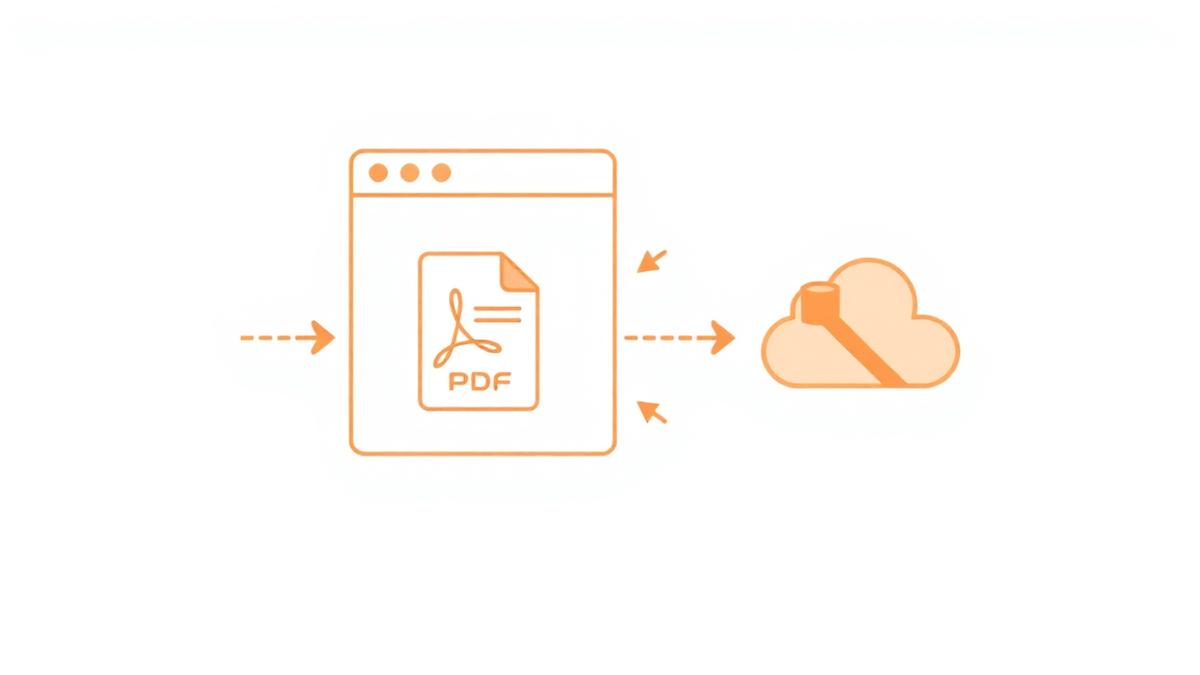
Processing a document locally in your browser removes that question entirely: the file is opened in memory, modified and saved back to your device without a network round trip. Nothing can be retained, indexed or breached, because nothing was ever received.
How to Avoid Signing the Wrong Document
Most bad signing outcomes are not security breaches — they are human errors that a bit of process prevents:
- Read the document in full before opening any tool. Signing should be the last step, not the first.
- Confirm you have the final version. If annexes or schedules need to be attached, combine them with Merge PDF before you sign, not after.
- Check the page count and the parties named on the first page match what you were expecting.
- Place your signature on the correct page — in long documents the signature line is often not on page one, so zoom in and verify before exporting.
- Add a date where the document expects one; the Stamp Creator places dates and custom text alongside your signature.
- Keep the unsigned original. The pair — unsigned and signed — is your record of exactly what you agreed to.
How to Check a Signed PDF
Before sending the file back, spend thirty seconds checking it as the recipient will see it:
- Open the downloaded file fresh — not the in-tool preview — and scroll to the signature page.
- Zoom in: the signature should sit on the line, not overlap neighbouring text or fields.
- Confirm the signature landed on the right page if the document has several signing blocks.
- Check any date or stamp reads correctly and matches the document's other dates.
- If the document required a cryptographic digital signature, open the signature panel in a reader such as Adobe Acrobat — it will show whether a certificate-based signature is present and whether the document has been modified since signing. A visual signature will not appear there as verified, which is exactly why such documents need a certificate service.
A practical safety checklist
Run through this list whenever you sign anything that matters:
- Verify the recipient: confirm the email address or portal you are returning the document to is the genuine one, not a lookalike domain.
- Verify the document: correct version, correct parties, correct pages, no unexpected attachments.
- Check for sensitive information: names of third parties, bank details, identity numbers, medical notes — anything you would not want copied to an unknown server.
- Use trusted services: an established tool with a clear privacy statement, or better, one that processes entirely on your device.
- Avoid suspicious links: never sign a document reached through an unexpected email link urging urgency; open the tool yourself and load the file directly.
- Retain a copy: download the signed PDF, name it clearly (for example 2026-09-18-supplier-agreement-signed.pdf), and file it alongside the unsigned original.
When You Should Use a Trusted/Official Digital Signature System
A visual electronic signature is the right fit for most everyday agreements, but some situations specifically require a cryptographic signature backed by a qualified certificate: court filings, government submissions, notarised instruments, real-estate transfers in many jurisdictions, and any contract whose terms demand a "qualified electronic signature". In those cases use an established certificate authority or a signing platform your counterparty specifies — a drawn or typed signature, however well placed, will not satisfy the requirement, and no browser tool can substitute for it. When in doubt, ask the recipient which kind of signature they require before you sign.
PDFCraft's Relevant Capabilities
PDFCraft covers the electronic-signature layer, entirely in your browser:
- Sign PDF: create a signature by drawing with a finger or mouse, typing it, or uploading an image, then drag it onto the page, resize and rotate it, and place it on multiple pages if the document has several signature blocks.
- Stamp Creator: add dates, times and custom text stamps next to your signature, with full control over font, colour and placement.
- Edit PDF: fill missing text fields or add notes before you sign, so the returned document is complete.
- Local processing: documents are opened, signed and saved in your browser. Nothing is uploaded, no account is required, and saved signatures stay in your own browser storage.
What PDFCraft does not provide is cryptographic, certificate-based digital signatures. Those require an issuing authority, and documents that demand them should go through a dedicated signing service. For everything else — the agreements, forms and approvals most people sign every week — a clear, correctly placed visual signature applied on your own device is both sufficient and the most private option available.
Frequently asked questions
- Is an electronic signature legally valid?
- In many jurisdictions electronic signatures are recognised for most everyday agreements, but requirements vary by country and document type, and some filings specifically require a qualified digital certificate. Check the rules that apply to your document, or ask the recipient what kind of signature they need.
- What is the difference between an electronic and a digital signature?
- An electronic signature is a visual mark — typed, drawn or an image — showing a person agreed to the document. A digital signature in the cryptographic sense uses a certificate to verify who signed and that the file has not changed since. They are different layers of the file, and one cannot be converted into the other after signing.
- Does PDFCraft store my signature or my documents?
- No. Signing happens entirely in your browser and the signed file is saved straight to your device. A signature you choose to reuse is stored locally in your own browser storage, never on a server.
- Can I sign a PDF on my phone?
- Yes. Drawing with a fingertip usually produces a more natural signature than a mouse does, and you can resize and rotate it to sit neatly on the line before exporting.
- Can someone copy my signature from a signed PDF?
- A visual signature is page content, and a determined person with the file could crop the image — which is why you should never email a standalone scan of your signature. It is not cryptographically bound to your identity; use a certificate-based signature where tamper evidence is legally required.
- Should I upload confidential documents to an online signing service?
- Avoid it where you can. A tool that processes in your browser produces the same result without transmitting the document, which removes any dependence on the service's retention and security promises.
Draw, type or upload a signature and place it exactly where it belongs — all in your browser.
Open Sign PDFAbout this article
- Written by
- PDFCraft Team
- Reviewed by
- PDFCraft Editorial Team
- Last updated
PDFCraft builds free, browser-based PDF tools. This guide reflects how our team works with documents day to day and is reviewed whenever the underlying tools change.