
Last updated August 4, 2026 · 3 min read
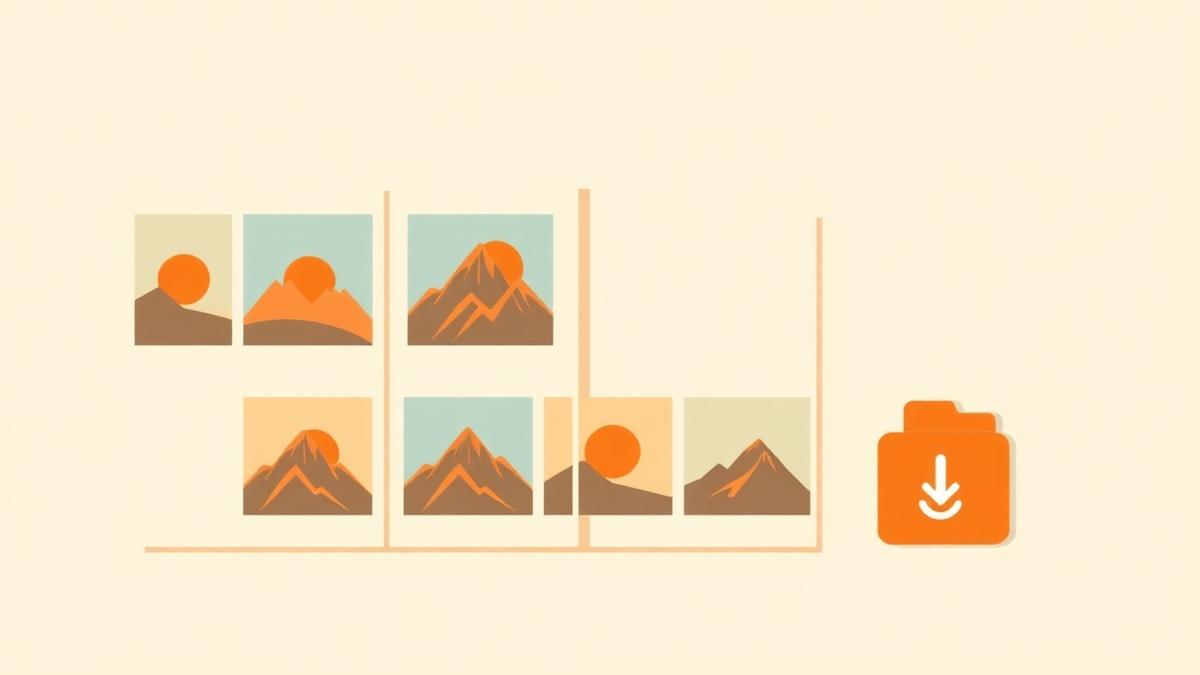
Sometimes a PDF page needs to be an image: a slide deck needs a diagram, a listing needs a floor plan thumbnail, or a support ticket needs a screenshot of page 14 rather than the whole 90-page manual. Exporting pages as JPG or PNG solves this in seconds.
This guide explains resolution, format choice and batch export using the free PDF to JPG tool, which renders pages in your browser.
When should you convert a PDF to images?
- Inserting a page into a presentation or document that does not embed PDFs well.
- Posting a page to social media or a chat app.
- Creating thumbnails or previews for a website.
- Sharing a single page where the recipient should not be able to copy the text.
Benefits
- Images open everywhere, with no PDF reader required.
- Easy to crop, annotate and drop into slides.
- Batch export with a ZIP download for multi-page jobs.
- Local rendering, so confidential pages are not uploaded.
What you need
- The PDF, unlocked if it was password protected.
- The page numbers you actually want as images.
- A decision on where the image will be used, which determines format and quality.
- Enough free space in your downloads folder for a batch export.
Choosing format and quality
JPG or PNG?
Use PNG for pages dominated by text, diagrams, tables and screenshots — it keeps edges crisp. Use JPG for photographic pages, where it produces much smaller files at similar visual quality.
Resolution
Higher quality scaling produces sharper output and bigger files. For on-screen use, a moderate setting is plenty; for printing or zooming, go higher.
How to convert PDF to JPG step by step
Step 1 — Upload the PDF
Open the PDF to JPG tool and add your document. Pages render as previews.
Step 2 — Select the pages
Choose only the pages you actually need. Exporting all 200 pages when you wanted page 14 wastes time and fills your downloads folder.
Step 3 — Pick format and quality
Select JPG or PNG and a quality level based on how the image will be used.
Step 4 — Export
Run the export and wait for the progress indicator to complete. High-resolution renders of many pages take longer.
Step 5 — Download individually or as a ZIP
Take single images one at a time, or download everything as one ZIP archive when exporting several pages.
Result — what to check
- You have an image for each page you selected, and no extras.
- Text and diagram edges look sharp at the size you will actually use.
- File sizes are sensible for where the images are going.
- The original PDF is kept as the searchable copy, since images have no text layer.
Common mistakes
- Exporting a text page as JPG and wondering why the type looks fuzzy — use PNG.
- Choosing maximum quality for web thumbnails, producing needlessly heavy files.
- Exporting every page when only one was needed.
- Assuming the exported image keeps selectable text; it does not — images have no text layer.
Troubleshooting
| Problem | Likely cause | What to do |
|---|---|---|
| Text looks fuzzy | JPG compression on a text page | Export as PNG and raise the quality level |
| Only some downloads arrive | The browser blocked multiple downloads | Use the ZIP option or allow multiple downloads |
| Export is slow | High resolution across many pages | Export fewer pages or lower the quality setting |
| Previews never appear | Encrypted or damaged PDF | Unlock the file or re-export it from the source |
| Images are too large to share | Very high resolution | Re-export at a lower quality level |
| The tab crashes on mobile | Memory limits on the device | Export in small batches, or use a desktop browser |
Best practices
- Match format to content: PNG for text and diagrams, JPG for photographs.
- Export only the pages you need and name them by content.
- For website use, export at the size you will display and keep files light.
- Remember that an image is not searchable; keep the PDF as the archival copy.
Security and privacy notes
Pages are rendered locally, so nothing is uploaded during export. Converting a page to an image does make copying its text harder, but it is not a security measure — text can still be read, retyped or recognised by OCR. To keep information private, remove the page instead with Delete PDF Pages.
Summary
Upload, select the pages, choose format and quality, export and download — individually or as a ZIP. To build a PDF from images instead, see the JPG to PDF guide, and the state of PDF tools in 2026 explains why rendering pages locally is worth preferring.
Pro tip
Use PNG for screenshots and diagrams, JPG for photographic pages.
Frequently asked questions
- Should I choose JPG or PNG?
- PNG for text, diagrams, tables and screenshots because it keeps edges sharp. JPG for photographic pages because the files are much smaller.
- Can I export only selected pages?
- Yes. Select exactly the pages you want before exporting rather than converting the whole document.
- How do I download many pages at once?
- Use the ZIP download option, which packages all exported images into a single archive.
- Will the exported image contain selectable text?
- No. Images have no text layer, so the words become pixels.
- What resolution should I use?
- A moderate setting is fine for screens. Use a higher quality level for printing or when the image will be zoomed.
- Are my pages uploaded to convert them?
- No. Rendering happens in your browser and nothing is transmitted.
- Does it work on a phone?
- Yes, though very large documents at high resolution are more reliable on a desktop browser because of memory limits.
Export crisp page images for slides, listings and social posts — with a one-click ZIP download.
Open PDF to JPGAbout this guide
- Written by
- PDFCraft Team
- Reviewed by
- PDFCraft Editorial Team
- Last updated
PDFCraft builds free, browser-based PDF tools. This guide reflects how our team works with documents day to day and is reviewed whenever the underlying tool changes.