Published Jul 3, 2026 · Last updated August 4, 2026 · 6 min read
A PDF that will not upload is one of the most common document problems there is. An application portal rejects the file, an email bounces back, or a form quietly refuses a scan that sits a few hundred kilobytes over the limit. Compression is the fix — but done carelessly, it hands you a file that is small, quick to send, and unpleasant to read.
This guide explains what PDF compression actually does, why some files are so large in the first place, and how to shrink a PDF while keeping it readable — including a short walkthrough of PDFCraft's compressor and a checklist for checking the result before you share it.
What Does PDF Compression Actually Do?
A PDF is a container. Inside it sit the instructions for drawing every page — text, fonts, images and layout — plus a layer of bookkeeping such as metadata and internal indexes. Compression rewrites that container so the same visible pages take up fewer bytes. Two different kinds of work do this, and they are not the same trade.
- Structural optimisation: rewriting the file's internal objects into compressed streams, discarding duplicated resources and removing metadata such as author and producer fields. The rendered pages do not change by a single pixel.
- Image resampling: reducing the resolution of embedded pictures, which permanently throws pixels away. This is where the dramatic size reductions come from — and the visible cost.
Knowing which one a tool performs matters. Structural work costs nothing visually; resampling does. If a tool does not say, compare the result against the original before you rely on it.
Why PDF Files Become Large
Most oversized PDFs are not large because of what they say. They are large because of how they were produced. Recognising the cause tells you how much room there is to shrink the file.
- High-resolution images: photos and screenshots embedded at full resolution, then displayed small on the page. The picture looks modest; the data behind it is not.
- Scanned documents: every page is stored as a photograph, so a ten-page scan can outweigh a hundred-page text report.
- Embedded fonts: complete font families get bundled in, sometimes more than once when a document is assembled from several sources.
- Metadata and leftovers: revision history, thumbnails, attachments and hidden objects that survive from earlier versions of the file.
- Duplicate resources: the same logo or header image stored separately on every page instead of once.
This is also why results vary so widely. A 30MB colour scan has enormous slack; a 300KB invoice produced by modern accounting software is already close to optimal and will barely move. That small change is the correct outcome, not a failed compression.
How to Compress a PDF Without Losing Too Much Quality
Work upwards, not downwards. Start with the lightest setting, look at the resulting size, and only step up if you are still above the limit you need to meet. Light settings mostly do structural work — removing metadata and compressing the file's internals — which costs nothing visually. Stronger settings progressively take more from the images.
The goal is not the smallest possible file. It is a file that fits the limit in front of you while staying readable and usable. A scan whose reference numbers have gone soft has failed at its actual job, no matter how impressive the percentage saved looks.
Image Quality vs File Size
Quality is not one thing, and it does not degrade evenly. Text in a digital PDF is stored as drawing instructions, so it stays sharp at any compression level — only images are resampled. Photographs tolerate some loss gracefully. Scanned text is the fragile one: it is an image of letters, so it goes soft first, and it goes soft in exactly the places you care about — names, dates, amounts, reference numbers.
Purpose matters too. On a screen, a slightly softer scan reads fine. On paper, downsampling shows immediately. Decide what this particular copy is for before you choose how hard to compress it.
When Compression Can Reduce Quality
Three situations account for most disappointing results. First, aggressive settings applied to scans — the file shrinks a lot and the small print pays for it. Second, copies destined for print, which reveal image loss that a screen hides. Third, compressing an already compressed file, which stacks one lossy pass on top of another.
There is a fourth case that looks like failure but is not: some PDFs barely shrink at all. Files exported by modern software are usually well-compressed already, with nothing left to remove. When a 400KB file comes back at 390KB, the tool has not broken — the file was simply efficient to begin with.
Best Practices Before Compressing a PDF
- Find the exact size limit you need to meet, so you know when to stop — not "as small as possible".
- Remove pages the recipient does not need with Delete PDF Pages. Fewer pages is the cleanest possible saving.
- Straighten sideways scans with Rotate PDF and tidy the page order first, so you only process the file once.
- Apply any watermark or stamp before compressing, not after.
- Keep the original file untouched and give the compressed copy a distinct name.
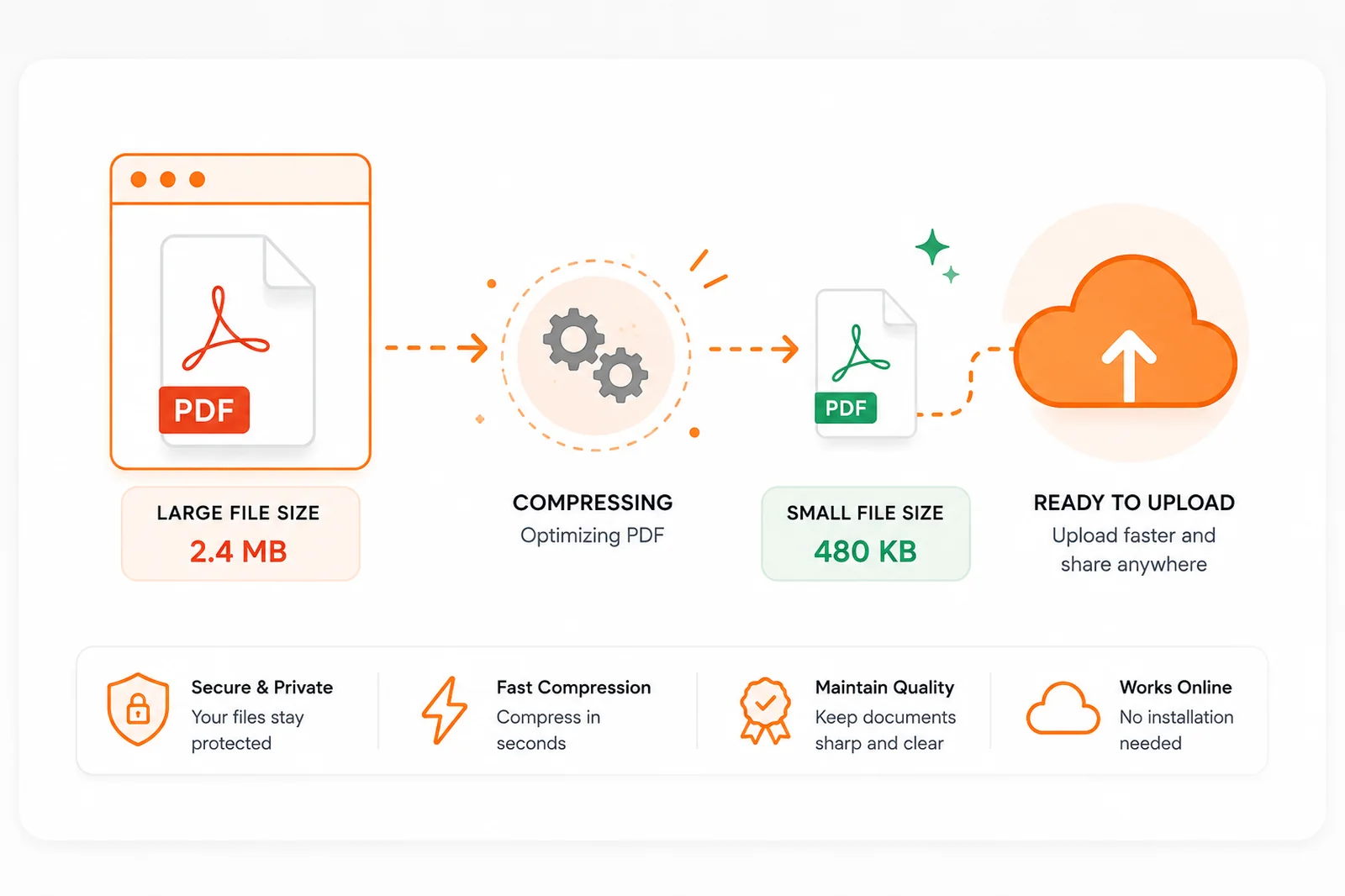
How to Compress a PDF with PDFCraft
- Open PDFCraft's Compress PDF tool.
- Select the PDF, or drag and drop it onto the upload area.
- Start compression, choosing Low, Medium or High. Higher levels also strip embedded metadata such as author and producer fields.
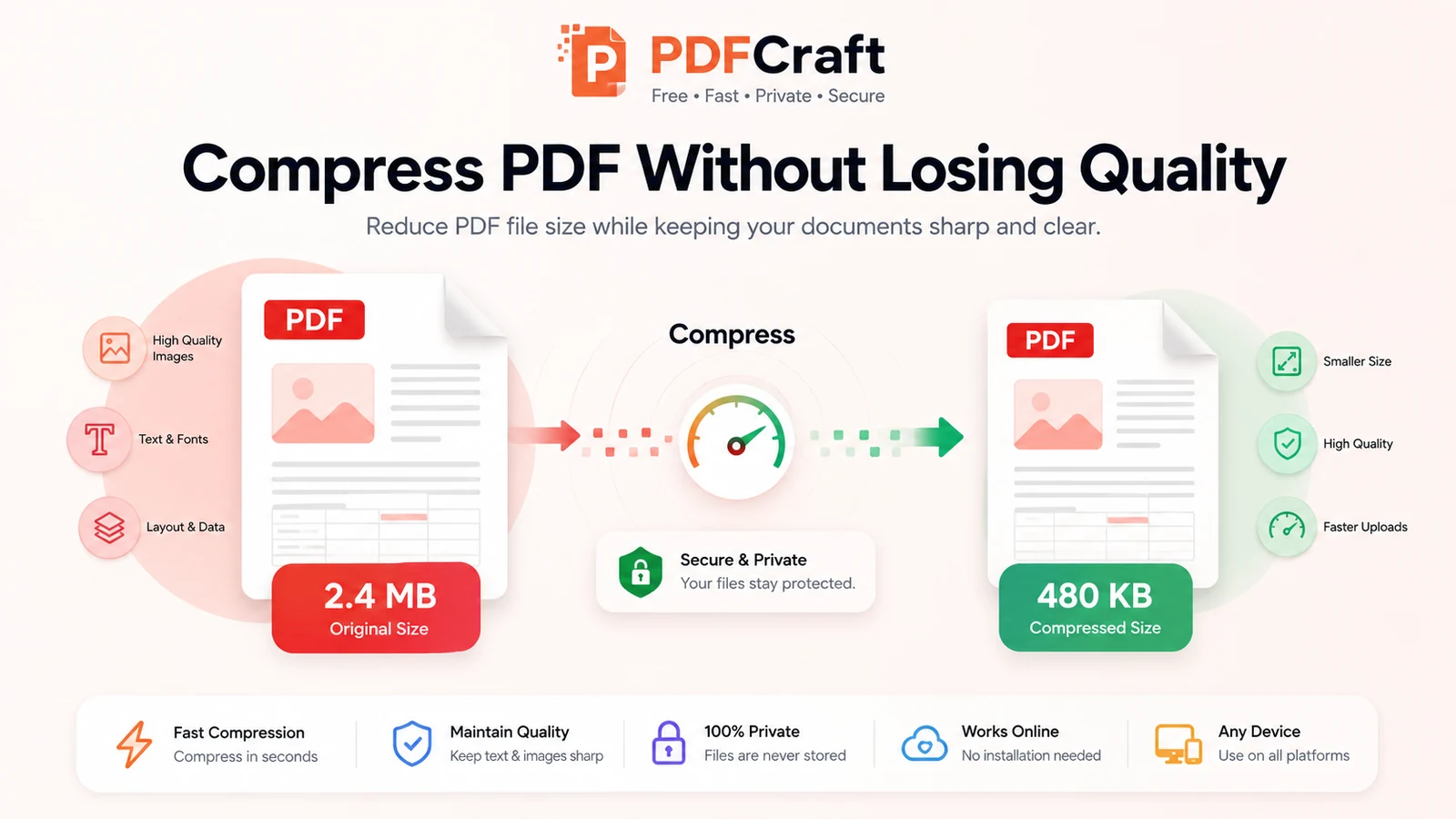
- Compare the original and compressed file sizes shown in the results panel before downloading.
- Download the compressed PDF.
Compression runs entirely in your browser — the file is never uploaded to a server, which makes the tool suitable for confidential paperwork. For a shorter walkthrough, see the step-by-step how to compress a PDF guide.
Quality Check After Compression
Before you send the file anywhere, give it two minutes of attention. What you check depends on the document, but these cover most cases.
- Text readability: zoom to 100% on the pages with the smallest print and confirm names, dates and reference numbers are still crisp.
- Images and diagrams: check that anything you need to read or measure is still clear.
- Page layout: confirm the page count, margins and orientation match the original.
- Signatures and form fields: make sure stamps, signatures and filled-in fields survived intact.
- Overall usability: open the file the way your recipient will — in the email preview, the portal's viewer, or print preview if it will be printed.
The takeaway
Good compression is a decision, not a button. Know why the file is large, start light, step up only as far as the limit demands, and check the pages that matter before you hit send. Do that, and a file that will not upload stops being a crisis. If you want the background on why local, browser-based tools handle this well, we cover the shift in the state of PDF tools.
Frequently asked questions
- Will compressing a PDF reduce its quality?
- Not necessarily. Structural optimisation — removing metadata and compressing the file's internals — leaves every page looking identical. Only stronger settings that touch images trade quality for size, so start light and step up only if you have to.
- Why is my PDF still large after compression?
- Either its size comes from high-resolution scanned images that structural work cannot change, or it was already efficiently compressed by the software that produced it. Files like that have little to give, and a tiny reduction is the honest result.
- Can I compress the same PDF twice to make it smaller?
- Avoid it. Each pass that touches images loses more detail. If the first result is still too large, go back to the original file and apply a stronger setting once.
- Is it safe to compress confidential documents with PDFCraft?
- Yes. Compression runs entirely in your browser, so the file is never uploaded to a server, and closing the tab leaves nothing behind.
- How much smaller will my PDF get?
- It depends on the file. Scans and image-heavy documents often shrink dramatically; clean text PDFs barely move because they are efficient already. Judge the result by whether it fits your limit and still reads well, not by the percentage.
- Should I compress a PDF before printing it?
- Generally no. Print reveals image loss that a screen hides. If the file is headed for paper, keep the original quality and compress only a separate screen copy if you need one.
Need to compress a PDF? PDFCraft's compressor runs in your browser, shows the original and compressed sizes side by side, and lets you download the smaller file once you are happy with it.
Open Compress PDFAbout this article
- Written by
- PDFCraft Team
- Reviewed by
- PDFCraft Editorial Team
- Last updated
PDFCraft builds free, browser-based PDF tools. This guide reflects how our team works with documents day to day and is reviewed whenever the underlying tools change.