


Last updated August 4, 2026 · 3 min read
Page order matters more than people expect. A tender that opens with an appendix, a report where the summary sits at the back, or a scan where the last sheet ended up first all create the same impression: rushed. Rearranging pages fixes it in seconds and costs nothing in quality, because pages are moved rather than re-rendered.
This guide covers reordering with drag and drop using the free Rearrange PDF Pages tool, including how to handle long documents and touch screens.
When should you rearrange pages?
- A scanner produced pages in reverse order.
- You want the executive summary to come first.
- Appendices need moving to the back after a merge.
- Sections were exported separately and combined in the wrong sequence.
- A signature page belongs at the end rather than in the middle.
Benefits
- The document reads in the order you intended, without re-exporting from the source application.
- Lossless — moving a page does not touch its content.
- Live thumbnails mean you can see the result before you export.
- No installation and no upload.
What you need before you start
- Sketch the target order first for anything longer than about twenty pages.
- Delete unwanted pages before reordering so you are moving fewer cards.
- Unlock encrypted files first.
How to rearrange PDF pages step by step
Step 1 — Load the PDF
Open the Rearrange PDF Pages tool and add your document. Every page becomes a draggable thumbnail.
Step 2 — Drag pages into position
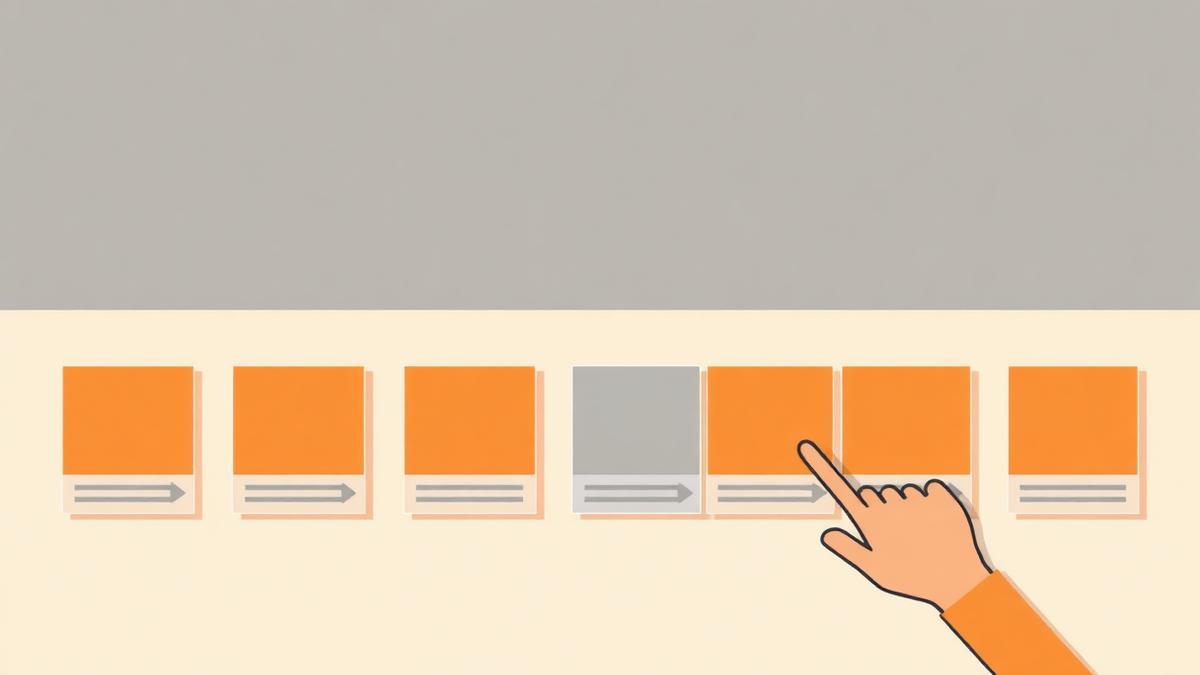
Pick up a thumbnail and drop it where it belongs. The surrounding pages shift to make room and the preview updates immediately, so the grid always shows the current running order.
Step 3 — Work in passes
For long documents, move the big blocks first — front matter, body, appendices — then fine-tune within each block. Trying to place every page perfectly on the first pass is slower and more error-prone.
Step 4 — Reordering on a phone
Press and hold a thumbnail briefly until it lifts, then drag. The short delay exists so that ordinary scrolling does not accidentally start a drag.
Step 5 — Export the reordered PDF
Once the grid matches your intended order, export and open the file to confirm.
Result — what to check
- The exported file opens in the order shown in the grid, not the original order.
- No page was dropped or duplicated during the moves.
- Front matter, body and appendices sit in the sequence a reader expects.
- Bookmarks and internal links, if the document uses them, still lead somewhere sensible.
Common mistakes
- Reordering before deleting, which means dragging pages that are about to be removed anyway.
- Losing track of position in a long grid — zoom the browser out to see more thumbnails at once.
- Dragging on mobile without the press-and-hold, which scrolls the page instead.
- Forgetting that a two-page spread must move together.
Troubleshooting
| Problem | Likely cause | What to do |
|---|---|---|
| Drag does nothing on mobile | The press-and-hold was too short | Hold the thumbnail until it lifts, then move your finger |
| The grid is slow | Many pages rendering at once | Use a desktop browser or split the document into sections first |
| A page snapped back | It was released outside a valid drop area | Drop the card onto the placeholder gap between thumbnails |
| Order looks wrong after export | The export ran before the last move finished | Re-check the grid, then export again |
| File will not load | Encrypted or damaged PDF | Unlock or re-export the source document |
| Bookmarks jump to the wrong page | Bookmark targets follow the old order | Rebuild bookmarks after reordering |
Best practices
- Sequence your cleanup: rotate, delete, rearrange, then merge or compress.
- Verify the first three and last three pages after export — those carry the most weight with readers.
- For documents you rebuild regularly, fix the export order in the source application instead.
Security and privacy notes
Thumbnails are rendered in your browser and the reordered file is written in memory. No page image is uploaded, which means you can safely reorganise board papers, medical records or legal bundles on a shared network without leaving copies on someone else's server.
Summary
Load the document, drag pages into the right order, verify the grid and export. Read the merge guide if you are assembling a document from several sources, and the mobile PDF editing article for tips on working comfortably from a phone.
Pro tip
On mobile, press and hold a thumbnail briefly before dragging.
Frequently asked questions
- Can I move several pages at once?
- Move them one at a time in a logical sequence. Working block by block — front matter, body, appendices — is usually faster than trying to batch moves.
- Does reordering affect quality?
- No. Pages are moved as complete objects, so text stays selectable and images are untouched.
- Why will drag not start on my phone?
- Press and hold the thumbnail for a moment first. The delay prevents ordinary scrolling from being interpreted as a drag.
- Can I reorder a scanned document?
- Yes. Scanned pages behave like any other pages, though very large scans render thumbnails more slowly.
- Is my original file changed?
- No. The reordered document is exported as a new file.
- What happens to bookmarks and links?
- Internal targets may point to the old positions after reordering, so check them if your document relies on bookmarks.
- How many pages can I reorder?
- There is no hard limit, but grids of several hundred pages are easier to manage on a desktop browser.
Drag your pages into the right order and export a clean, correctly sequenced PDF.
Open Rearrange PDF PagesAbout this guide
- Written by
- PDFCraft Team
- Reviewed by
- PDFCraft Editorial Team
- Last updated
PDFCraft builds free, browser-based PDF tools. This guide reflects how our team works with documents day to day and is reviewed whenever the underlying tool changes.